Bit of a back story…
In 2019, I purchased AU, IO and BR boards. Install went fine, and I started learning.
My role at work changed, and I was working 50-70 hrs per week. Hobbies took a snooze.
I’m retired now and am trying to get started again.
Of course, I upgraded my computer in the intervening years, so, new installation.
Now a Win11, Ryzen 5 7600X, 32GB.
The only thing I saw on the install was licensing, the ML license now says “30 day trial”. I picked another license further down that was free. Not sure if this is the cause of my issue.
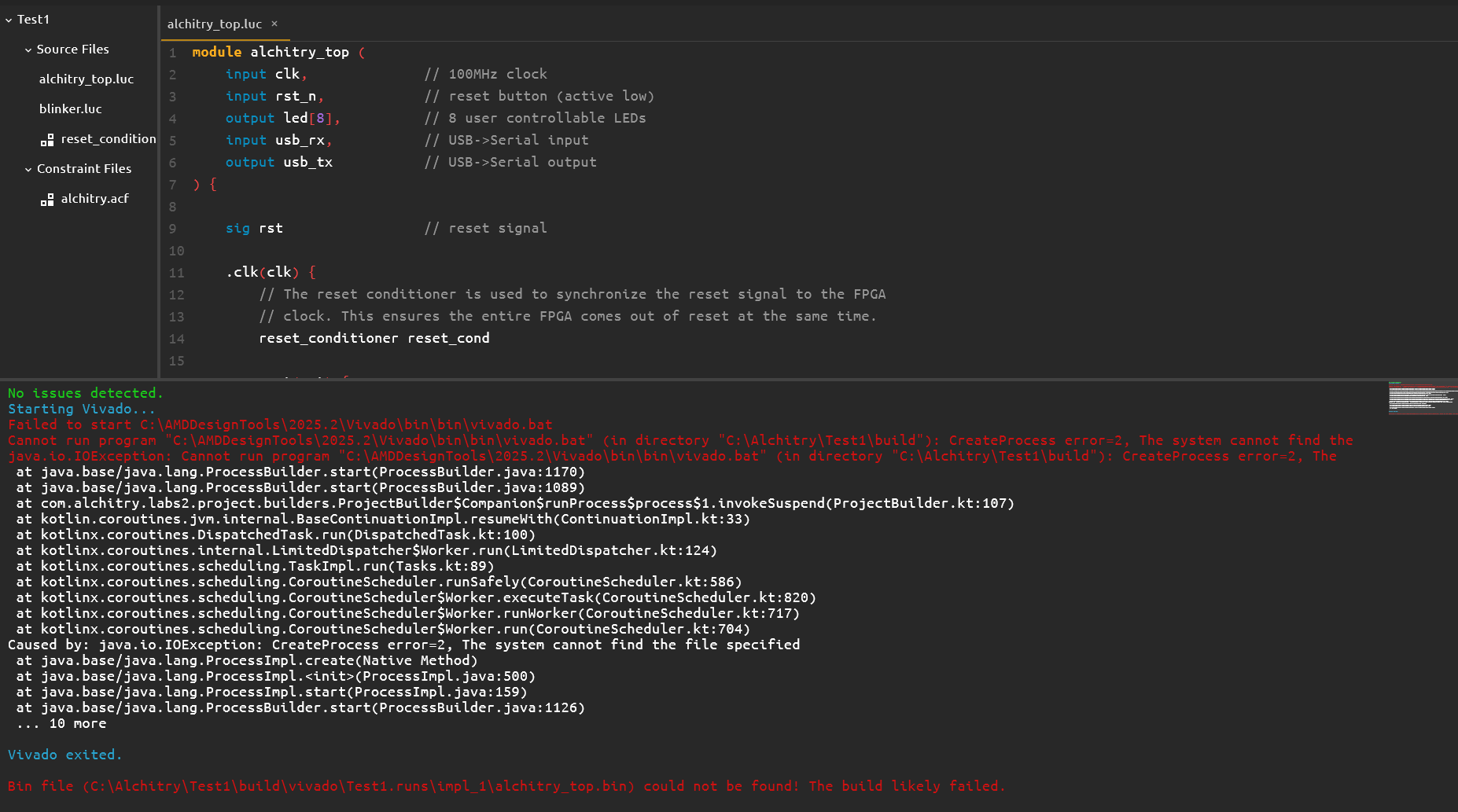
I loaded one of the demos, and when I try to build, I get the following. Alchitry is pointed to the directory containing Vivado.bat. I’m assuming I’m doing something wrong (usually the case), and any help would be appreciated.